Pre-launch sale ends: March 1st
Create a PROFESSIONAL VIDEO in ONE WEEKEND
The One Weekend Video System
From message to masterpiece
A complete video creation process that takes you from a clear message
to a finished, professional video, with AI supporting you at every stage
The One Weekend Video System is a complete video creation process, from message to masterpiece,
designed to help you create professional, authentic social videos without tech overwhelm or generic AI shortcuts.
If you’ve just watched the free training, this is where everything comes together. If you haven’t, don’t worry.
The system shows you exactly how to go from a clear message to a finished, professional video in a single weekend.
Join before March 1st to get 50% off early access.
Get lifetime access for just £125 (normally £250). This is a pre-launch offer and it will not be available later..
Learning video online is a minefield
of bad advice, confusing tech and costly mistakes.
No Clear Path to Follow
You can find tips online, but nothing gives you a simple, step by step process that takes you from idea to polished video. Just a mess of conflicting advice.
You’re Just Watching
Endless tutorials don't teach you how to create. Without structure or practical steps, your confidence never grows.
It Gets Expensive, Fast
Many courses cost £400 or more, and that's before you buy any software or equipment. It can add up quickly if not done right.
And the Worst Bit?
You waste hours jumping between YouTube videos, trying to figure it out, only to end up with content that doesn't feel right or get results.
Don't worry, we can help!
Summary Of The One Weekend Video System Process
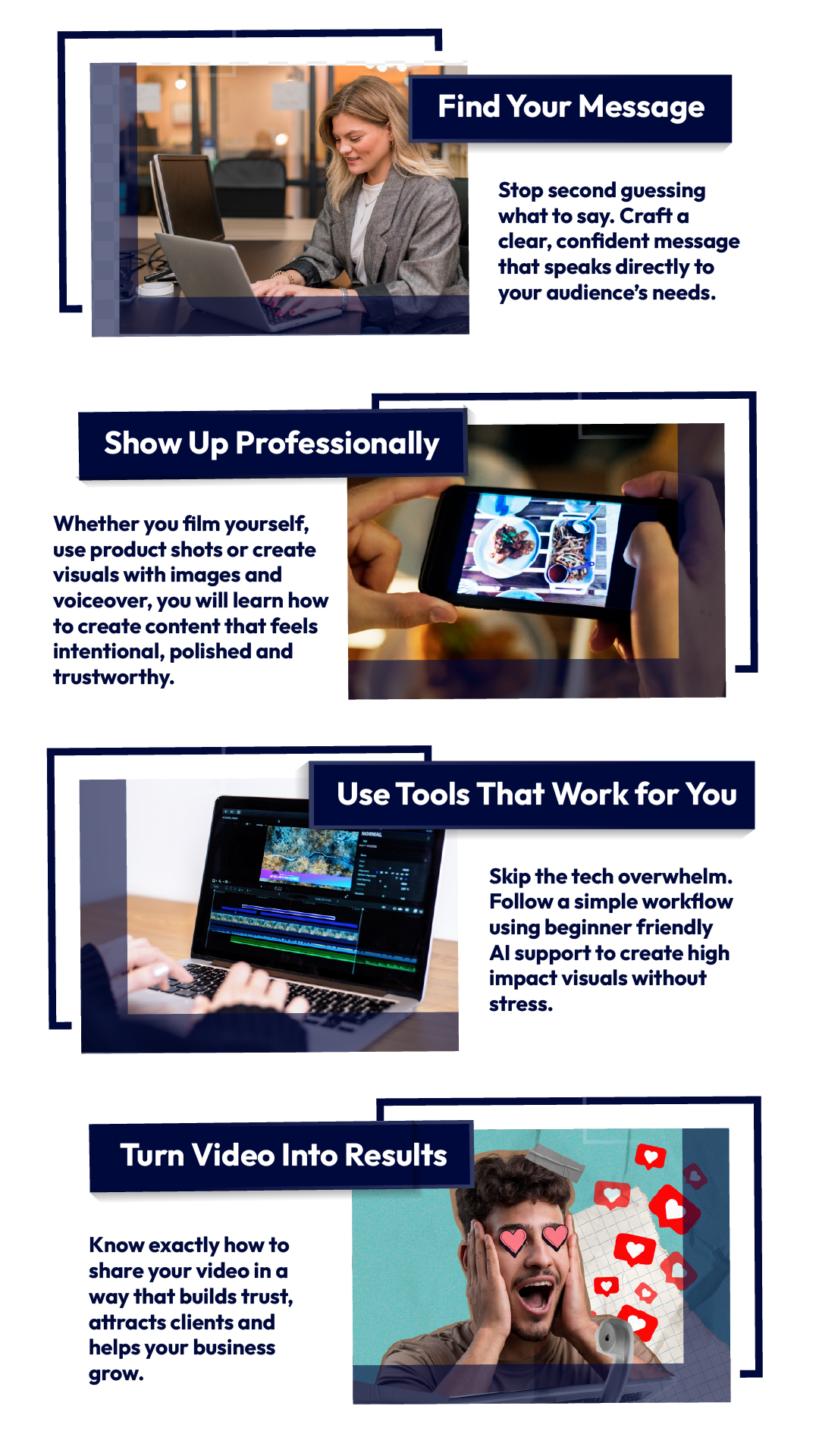
The One Weekend Video System Curriculum

MODULE 1
Magnetic Messaging
Get crystal clear on what to say and who you’re saying it to.
You’ll define your audience, sharpen your message, and create a clear video goal so your content connects instantly, builds trust, and actually drives action.
No waffle. No guesswork. Just clarity.
MODULE 2
Plan & Script with AI
Stop staring at a blank page.
Learn how to use AI the smart way to plan and write natural, engaging scripts in minutes, without sounding robotic or generic.
You’ll finish this module knowing exactly what to say and how to structure it for impact.
MODULE 3
Voiceover That Sounds Like You
Hate being on camera or unsure about your voice? You’ve got options.
Learn how to create professional, authentic voiceovers using simple tools and AI support, while keeping your personality and trust intact.
Your video will finally sound as good as it looks.
MODULE 4
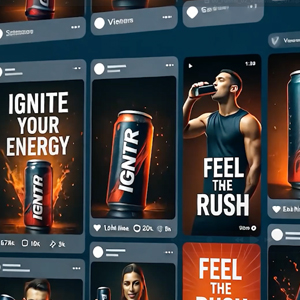
Image Creation & Branded Assets
Create visuals that instantly elevate your brand.
Learn how to generate and organise AI images, logos, and branded assets so your videos look polished, consistent, and professional, even if you’ve never designed anything before.
No design background needed.

MODULE 5
Creating Video Assets
Turn still images into engaging motion.
You’ll learn how to animate visuals, use text-to-video tools and decide when AI, stock, or simple motion works best, without overcomplicating things.
This is where your video starts to feel alive.
MODULE 6
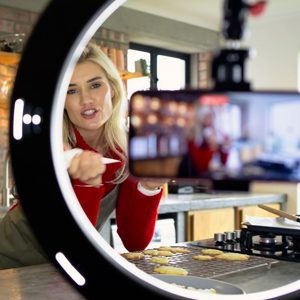
Filming (Or Not) With Confidence
Whether you want to be on camera or stay off it completely, this module has you covered.
Learn how to film professional-looking footage using just your phone, plus simple setups that make a huge difference without expensive gear.
No awkward posing. No tech overwhelm.
MODULE 7
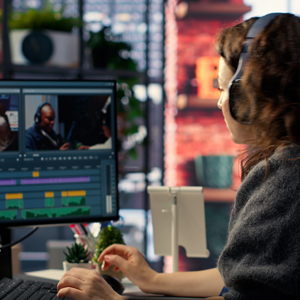
Editing That Feels Professional
Bring everything together into a polished final video.
You’ll learn how to edit with pace, flow and confidence, so your video holds attention, looks intentional and feels genuinely professional from start to finish.
Even if you’ve never edited before.

MODULE 8
Music, Sound & Emotional Tone
Sound is what makes people feel something.
Learn how to choose music, shape emotion, clean up audio and use AI tools to enhance sound so your video connects on a deeper level and feels premium.
This is the difference between watchable and memorable.

MODULE 9
Test, Refine & Launch
Don’t just post and hope.
Learn how to test your video, refine it for better performance and launch it with confidence so it actually reaches people and supports your business goals.
This is the step most people skip and it shows.

MODULE 10
Course Wrap-Up & Next Steps
You’ll bring everything together, get clear on how to keep using the system and tap into the community for feedback, support and momentum.
You won’t just finish a video. You’ll know how to repeat the process.
BONUS MODULE
BEYOND SOCIAL VIDEOS
Once you’ve mastered social video, you’ll learn how to apply the same system to other formats like website videos, ads, testimonials and more, so this skill keeps paying off long term.
BONUSES
Included With The Course
Lifetime Access & Updates
Future updates and new tools included at no extra cost.
Private Community Access
Feedback, support and accountability from fellow business owners.
Templates & Cheat Sheets
Scripts, prompts and checklists so you’re never starting from scratch.
Ready to get started?
Pre-Launch Bonus Immediate Access
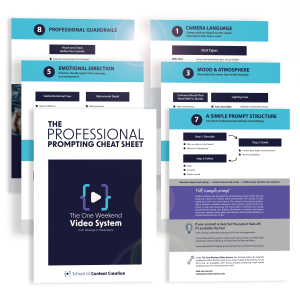
The Professional Prompting Cheat Sheet
Get instant access to the Professional Prompting Cheat Sheet before the course officially opens.
A practical guide to directing AI like a professional, using camera language, mood, visual style and emotional cues to create visuals that feel intentional, realistic and on-brand.
Designed to be used alongside your script or video plan, so AI supports your judgement instead of replacing it.
Meet Your Instructor
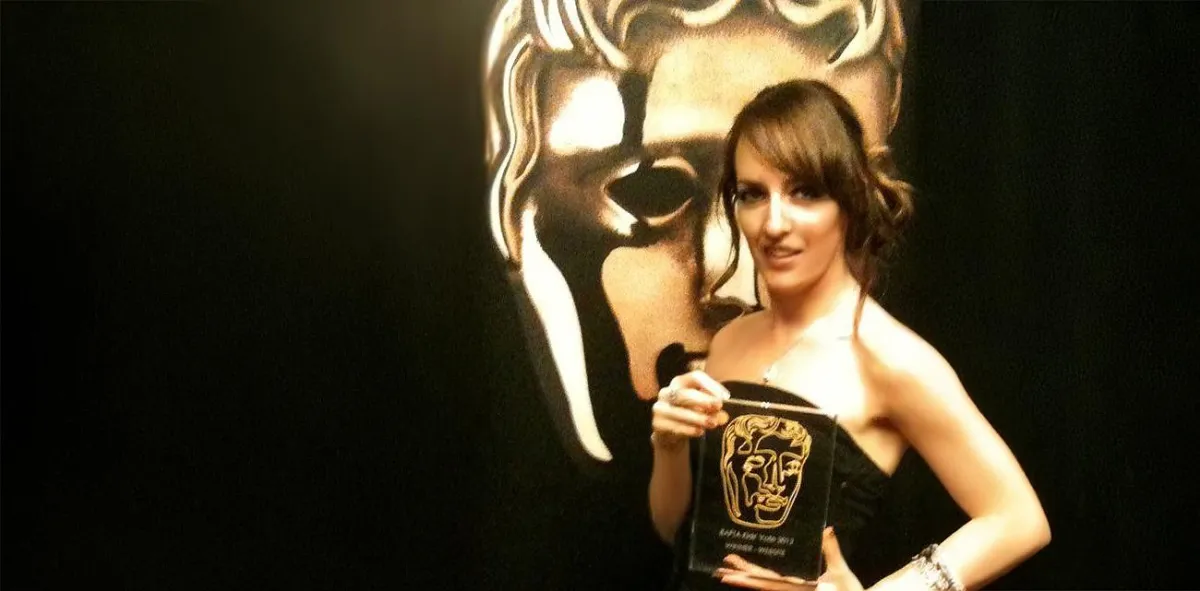
I’m Allie, a triple BAFTA-winning video director with more than twenty years of experience creating videos for brands like Nike, Google, Vodafone, BMW, LEGO, the BBC, ITV, Cartoon Network and MTV.
Through my agency, Kymera Media, I've helped global brands grow their reach and supported small businesses who were struggling to get traction. And the tool that always makes the biggest impact is clear, professional video.
When a video feels real and is built on a clear message, it connects. It builds trust, moves people to action and positions your brand in a way that sticks. That kind of impact does not come from gimmicks or big budgets. It comes from clarity, creativity and content that feels like you.
I know you're not trying to become a filmmaker. You just want to make a video that looks professional, feels authentic and helps your business grow. That is exactly why I created The One Weekend Video System.
This course gives you the essentials. A structure you can trust, simple tools that save time and a repeatable method you can use every time you need a strong video for your brand.
Once you've done it once, you will know how to do it again. And that's where the real value is.
Who's This Perfect For
BUSINESS OWNERS
who want simple, effective videos
Coaches or Consultants
who needs to show up confidently
Freelancers or Creatives
who want polished, clear messaging
Product-based brands
using images or product footage
Course Creators or Educators
wanting stronger audience connection
Founders or personal brands
wanting to show the human side of their work
AND ANYONE
WHO'S READY TO STEP UP, BE SEEN AND CREATE VIDEOS THAT MAKE AN IMPACT.
Who's This Not For
YOU WANT QUICK HACKS, SHORTCUTS OR AI TO DO ALL thE WORk FOR YOU
YOU PREFER SPEED OVER QUALITY AND ARE HAPPY WITH GENERIC CONTENT
YOU ARENOT WILLING TO FOLLOW A CLEAR PROVEN PROCESS
YOU ARE LOOKING FOR OVERNIGHT RESULTS WITHOUT CLARITY OR INTENTION
YOU WANT FLASHY OUTPUT WITHOUT UNDERSTANDING THE MESSAGE BEHIND IT
YOU ARE NOT INTERESTED IN BUILDING TRUST OR
LONG-TERM BRAND VALUE
THIS COURSE IS FOR
PEOPLE WHO WANT TO CREATE REAL VIDEO, BUILD TRUST AND USE IT STRATEGICALLY TO GROW THEIR BUSINESS
STILL NOT SURE?
Frequently Asked Questions
Do I need any video or AI experience to take this course?
No. This programme is designed for beginners and non-technical business owners. You don’t need prior experience, fancy equipment, or creative flair. Everything is broken down into simple, clear steps so you always know what to do next.
When does the course start and how long do I have access for?
You get instant access as soon as you join and you’ll have lifetime access. That means you can start straight away and come back to the lessons whenever you need to create a new video.
Do I have to be on camera?
No. Being on camera is completely optional. You’ll learn multiple ways to create professional videos, including using your phone, screen recordings, AI visuals, AI clone or AI voice and talking-head options if you choose. You can stay entirely off camera and still create strong, effective videos.
Are there any extra costs or tools I need to buy?
The course is designed so you can complete it using free or low-cost tools. Everything I teach works with beginner-friendly apps that have generous free tiers, and you can create your entire first video without buying any software at all.
Some advanced options, such as high-quality AI voices, AI clones, or certain AI-generated visuals, may require paid plans if you choose to use them. These are completely optional and not required to follow the system or create a professional video.
How do I know if this course is right for me?
If you want a clear, repeatable process for creating professional, authentic videos without guesswork, overwhelm, or relying on generic AI shortcuts, this course is for you.
For less than the cost of hiring a videographer for a couple of hours, you’re learning a skill you can use again and again whenever your business needs video.
How long does it take to create the video?
Most students create their first professional social video over a single weekend.
The system is designed to help you move step by step without feeling rushed or overwhelmed. With a few focused blocks of time, you can go from a blank page to a finished, ready-to-post video by Sunday night.
If you want to move faster, you can.
If you need more time, that’s fine too. You’ve got lifetime access, so there’s no pressure to rush.
TRY IT RISK FREE
30-Day Money Back Guarantee
comes with a 30-day money-back guarantee during pre-launch, starting from the date you join. Complete Modules 1–3 and if it’s not right for you, simply contact us within 30 days for a full refund.